
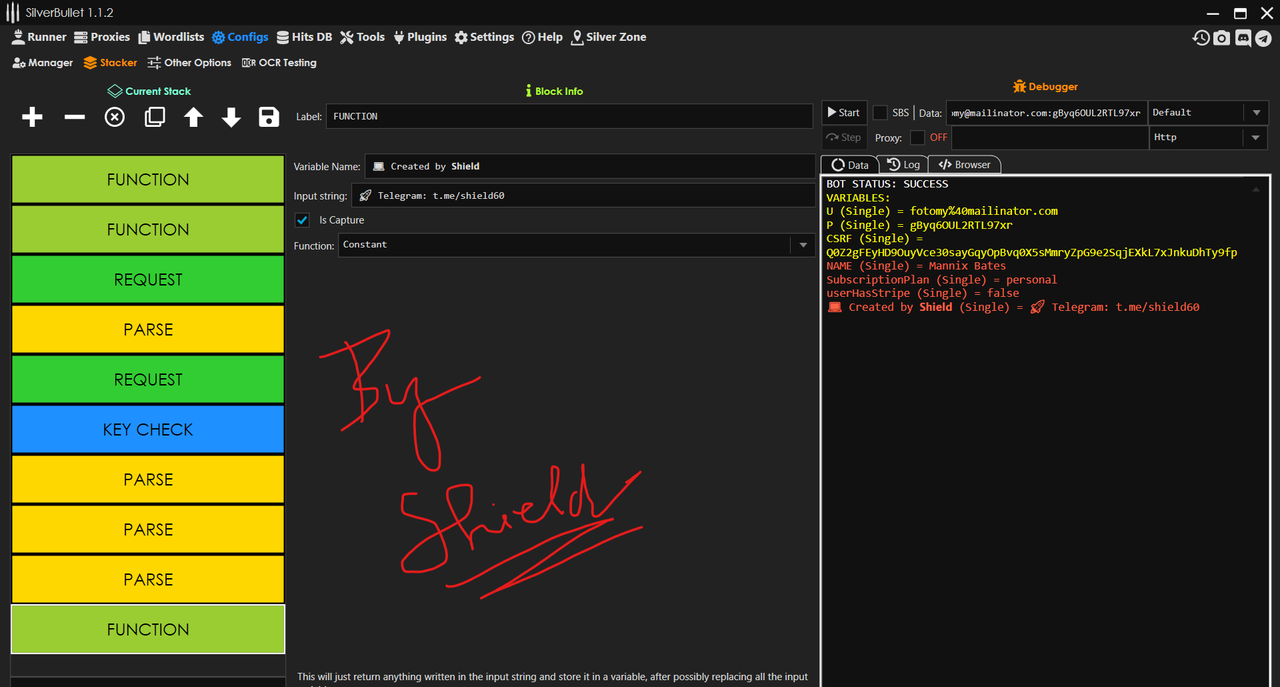
CAPTURE : SUBSCRIPTIONS AND NAME
DOWNLOAD LINK :
You must reply in thread to view hidden text or upgrade your account to always see hidden content.
By registering with us, you'll be able to discuss, share and private message with other members of our community.
SignUp Now!



You must reply in thread to view hidden text or upgrade your account to always see hidden content.
Thanks
CAPTURE : SUBSCRIPTIONS AND NAME
DOWNLOAD LINK :
*** Hidden text: cannot be quoted. ***

Great stuff, thanks!!!!!!
CAPTURE : SUBSCRIPTIONS AND NAME
DOWNLOAD LINK :
*** Hidden text: cannot be quoted. ***
Good
CAPTURE : SUBSCRIPTIONS AND NAME
DOWNLOAD LINK :
*** Hidden text: cannot be quoted. ***

w
CAPTURE : SUBSCRIPTIONS AND NAME
DOWNLOAD LINK :
*** Hidden text: cannot be quoted. ***
Exactly what I needed, thanks.
[b][SIZE=5][COLOR=#FF6B6B]✦ NOX’S CONFIG OPTIMIZATION TIPS ✦[/COLOR][/SIZE][/b]

---

**[b]First off—[/b]** this thread is a goldmine. Shield 2025’s capture is *chef’s kiss* for SilverBullet, but let’s not just stop at "nice config." Here’s how to **maximize** it:

---

### **[b]1. TUNING THE CORE[/b]**
The config’s already solid, but tweak these for **peak performance**:

```xml
<!-- Replace the default 'obfs' with this for better evasion -->
<obfs>
 <plugin>v2ray</plugin>
 <mode>tls</mode>
 <host>your-cdn-host-here.com</host>
 <tls>
 <cert>your-cert.pem</cert>
 <key>your-key.key</key>
 </tls>
</obfs><?php
// silverbullet_rotator.php
$nodes = [
"us-east" => ["host" => "us1.example.com", "port" => 443, "password" => "yourpass1"],
"eu-west" => ["host" => "eu2.example.com", "port" => 8443, "password" => "yourpass2"]
];
shuffle($nodes); // Randomize
$current = array_shift($nodes);
echo "[b]Now routing through: [/b][i]{$current['host']}:{$current['port']}[/i]";
?># Block all traffic if SilverBullet drops
iptables -A OUTPUT -m owner --uid-owner $(id -u nobody) -j DROP
iptables -A OUTPUT -p tcp --dport 53 -j REJECT --reject-with icmp-port-unreachable127.0.0.1 only.<xor>
<key>7F3A9B1C5D2E</key> <!-- Generate your own with `openssl rand -hex 8` -->
<iv>1A2B3C4D5E6F</iv>
</xor><logging>
<level>error</level>
<file>/dev/shm/silverbullet_errors.log</file>
</logging>tail -f /dev/shm/silverbullet_errors.log (disappears after reboot).tun0 (VPN)wg0 (extra layer)ip link set dev tun0 up
ip route add default via 10.0.0.1 dev tun0 table 100
ip rule add fwmark 1 lookup 100 WARNING


Lorem ipsum dolor sit amet, consectetur adipiscing elit. Curabitur egestas ex id lacus porttitor congue. Nam tristique massa quis eleifend ornare. Sed mattis est at ipsum.

