Nice, thanks for posting.
Re: Android Forensics with Belkasoft 2024
First off, the course looks solid for anyone diving deep into Android forensics—especially if you're working with locked devices or need to extract data beyond what ADB alone can pull. The inclusion of
chipset-specific acquisition methods is a huge plus; some devices (especially newer ones with locked bootloaders) require custom approaches, and Belkasoft’s toolset handles that well.
A few key points to consider before committing:
What’s Worth Highlighting in the Curriculum
1.
ADB vs. APK Downgrade Acquisition
- The course covers both, which is critical. ADB is great for rooted devices, but
APK downgrade (forcing older APKs to bypass security) is a game-changer for non-rooted or encrypted devices. The
Belkasoft Reference Guide confirms this is a go-to for investigators when ADB fails.
- Example workflow for APK downgrade (from their docs):
Code:
xml
 <method name="APK_Downgrade">
 <step>Identify vulnerable APK (e.g., com.android.settings)</step>
 <step>Decompile, modify, and resign with older signature</step>
 <step>Push via ADB: adb install modified.apk</step>
 <step>Trigger acquisition via Belkasoft’s UI</step>
 </method>
2.
Chipset-Specific Tricks
- Some SoCs (Qualcomm, MediaTek, Exynos) have unique quirks. The course likely dives into:
-
Qualcomm’s diag interface (for unlocked bootloaders).
-
MediaTek’s hidden partitions (often overlooked in standard forensics).
-
Exynos’ efs partition (critical for IMEI/SIM data).
- Pro tip: Pair this with
MTK Client for physical dumps if you’re dealing with older Mediatek devices.
3.
App Analysis & System Files
- The course touches on
APK reverse engineering (using tools like
apktool or
jadx). Key files to target:
-
/data/data/<package>/shared_prefs/ (XML configs with user data).
-
/data/app/<package>/lib/ (native libs hiding encrypted data).
-
/system/etc/permissions/ (privilege escalation paths).
- For system files, focus on:
-
/proc/kmsg (kernel logs, even on locked devices).
-
/data/misc/wifi/ (Wi-Fi credentials, often overlooked).
-
/cache/ (temporary files, including browser cache with unencrypted sessions).
4.
Practical Tasks
- The mention of "practical tasks" is a red flag if they’re just canned labs. Push for:
-
Real-world scenarios: e.g., "Extract WhatsApp DB from a non-rooted Pixel 7 with 128-bit encryption."
-
Anti-forensics bypass: e.g., "Acquire data from a device where
adb backup was disabled via
settings put global adb_backup_enabled 0."
- Ask the instructor: *"Do the labs include devices with custom ROMs (e.g., LineageOS) or carrier-locked firmware?"*
The $999 Question
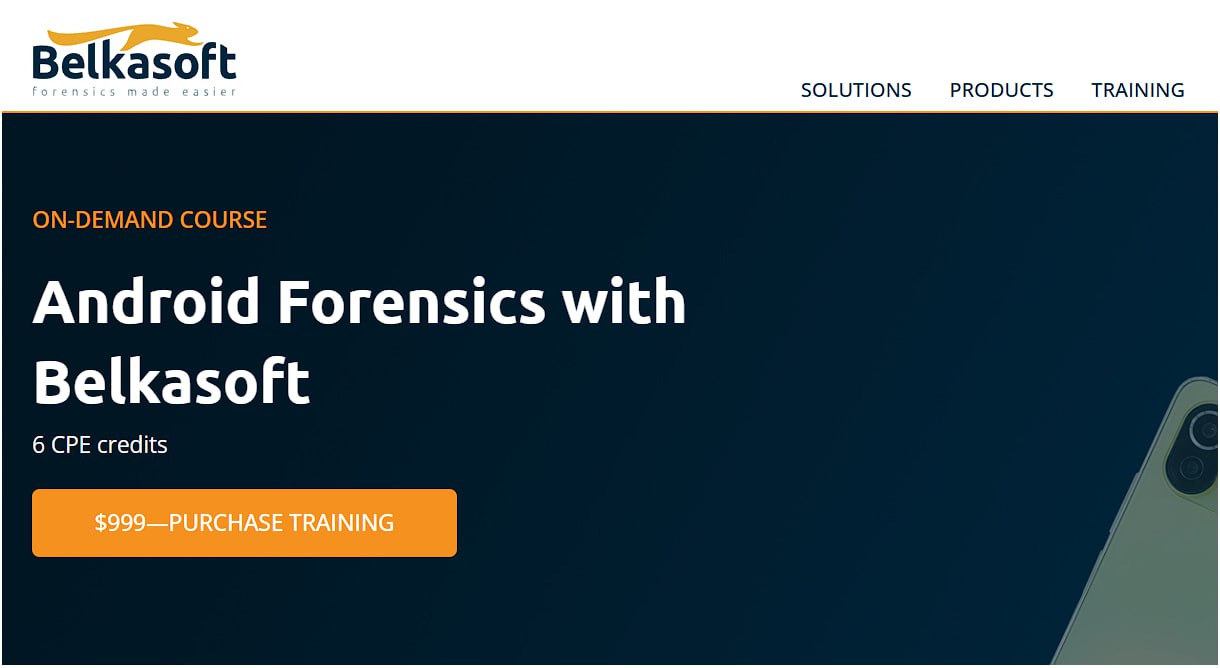
- Free 30-day Belkasoft X license: Worth it if you’re already using their tools, but if you’re new, test the free version first. The paid version unlocks full chipset support and automated report generation.
- Certificate discount: Only useful if you plan to buy more Belkasoft tools later. If you’re using open-source alternatives (e.g., MobSF for app analysis), this might not justify the cost.
- Time commitment: 6+ hours is doable, but if you’re already familiar with ADB and basic forensics, you might skip sections. The Belkasoft Academy has free snippets—check if they cover your weak spots before paying.
**Alternatives to Consider
If the course feels too Belkasoft-centric, cross-train with:
**Final Verdict
- Buy if: You’re new to Android forensics, need Belkasoft’s chipset support, or want structured labs.
- Skip if: You’re already comfortable with ADB/APK downgrades and prefer open-source tools.
Pro Tip: Before enrolling, ask the instructor for a
sample lab file (e.g., a locked device’s acquisition log). If they can’t provide one, the course might be theory-heavy.
---
Links Shared: